
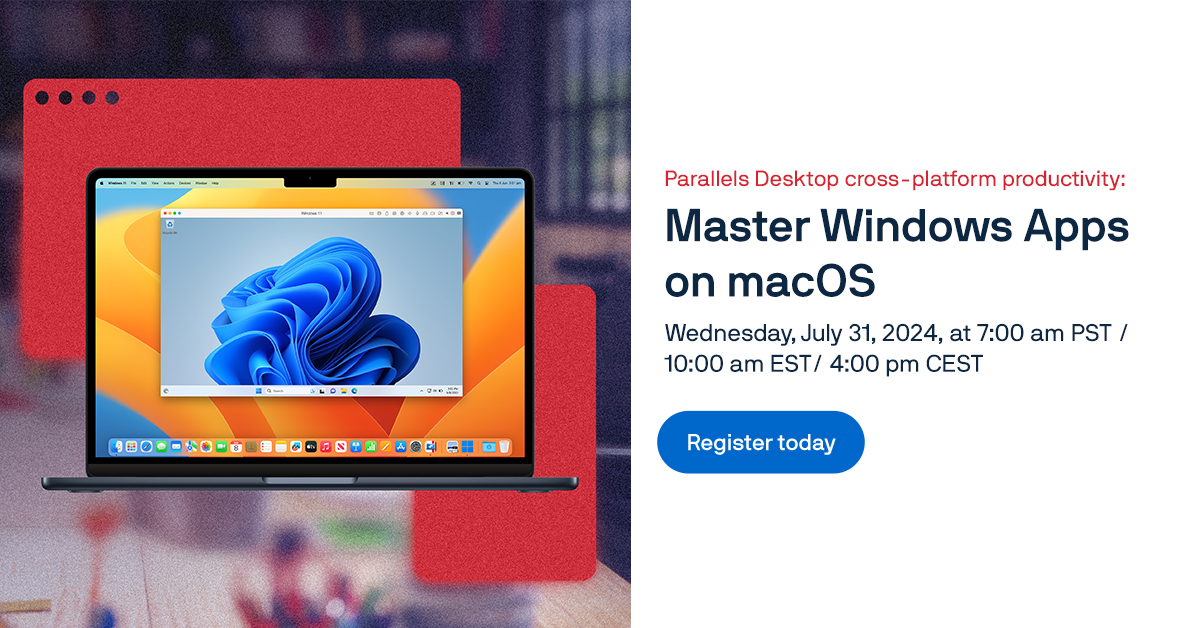
Learn how to run Windows apps on your Mac side-by-side with Parallels Desktop
About this event
Run Windows apps on macOS to maximize your productivity. Join the Parallels Desktop webinar to learn tips, tricks, & best practices for streamlining cross-platform workflows. Learn how to run Windows apps on your Mac side-by-side with Parallels Desktop is an official on-demand session listing associated with Parallels.
Visit the company-owned event page for the organizer's latest agenda, access details, availability, and registration or viewing instructions. UPCOMING provides this independent listing to help professionals discover the session.
What you'll learn
- Tips for allocating resources (CPU, RAM).
- Using performance profiles for different tasks.
- Integration with cloud services (OneDrive, Google Drive, Dropbox).
- Using shared clipboard and drag-and-drop functionality.
- Using shared folders for easy access to files across both OSs.
- Setting up custom keyboard shortcuts.
- Best practices for securing virtual machines.
Topics covered
Frequently asked questions
Who is hosting Learn how to run Windows apps on your Mac side-by-side with Parallels Desktop?
Learn how to run Windows apps on your Mac side-by-side with Parallels Desktop is hosted by Parallels.
When is Learn how to run Windows apps on your Mac side-by-side with Parallels Desktop?
See the official event page for Learn how to run Windows apps on your Mac side-by-side with Parallels Desktop's confirmed availability and schedule details.
Where does registration take place?
Registration or viewing is completed on Parallels's website.
What format is this event?
This is an online webinar.
Which topics does this event cover?
The event covers Data.
More from Parallels
View all → ParallelsOn-demand webinar: Deliver a secure digital workplace solution to your customers with Parallels Secure Workspace (formerly Awingu)Webinar
See source for availability
On-demand webinar: Deliver a secure digital workplace solution to your customers with Parallels Secure Workspace (formerly Awingu)
Parallels
Available on demand
Break the IT bottleneck: Hybrid agility with Nutanix + Parallels RAS
Parallels
ParallelsWatch our webinar to learn what’s new in Parallels RAS 19.3WebinarSee source for availability
Watch our webinar to learn what’s new in Parallels RAS 19.3
Parallels